Screen awareness
It sees what you see. Clicky passively reads your screen in real time, so it always knows what you're working on — you never have to set the scene

Listening

HeyClicky sits in your menu bar and reads your screen in real time, so it already knows what you're on. Just say "Hey Clicky" — ask in plain words — and keep going while it handles the rest.

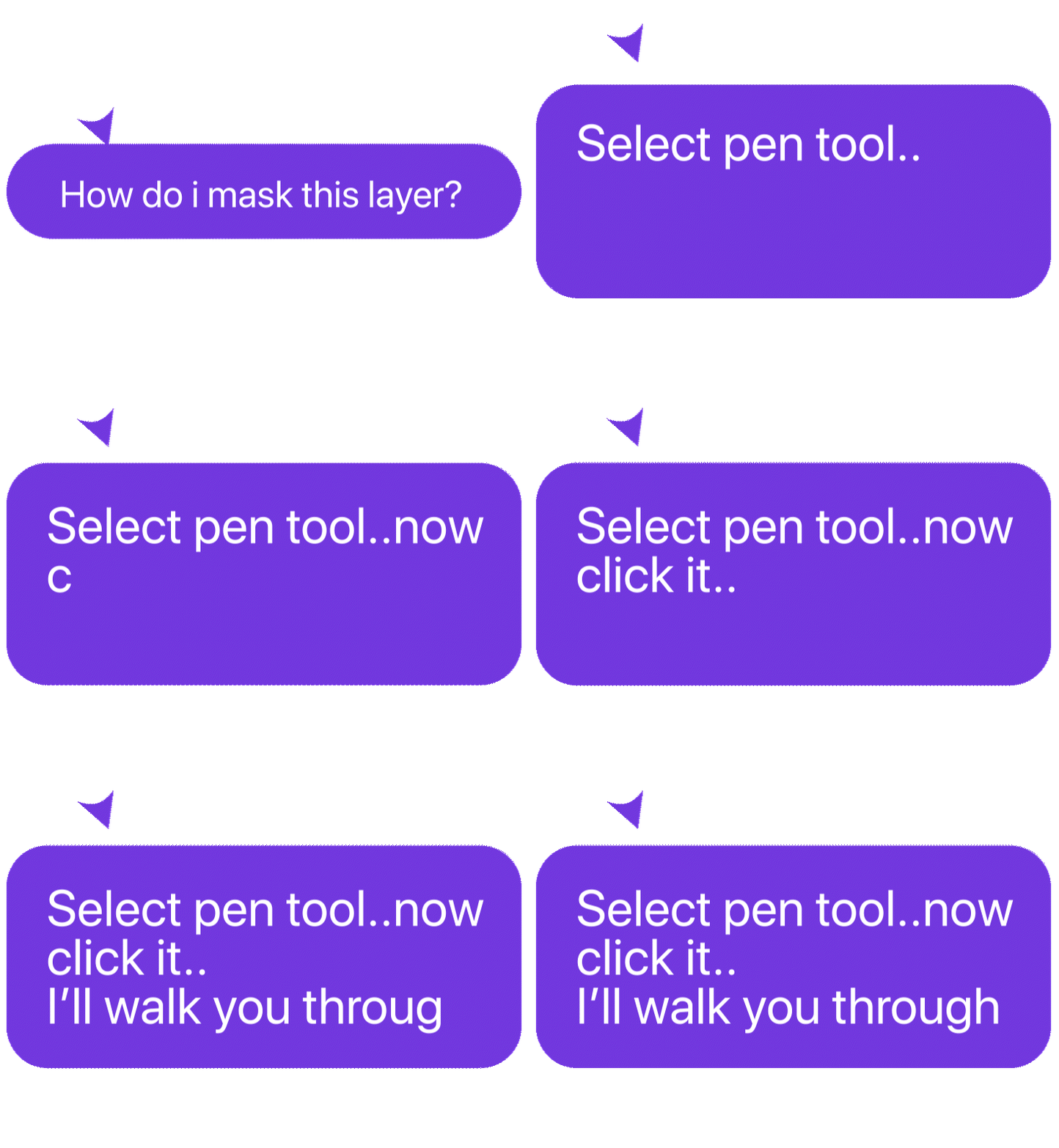
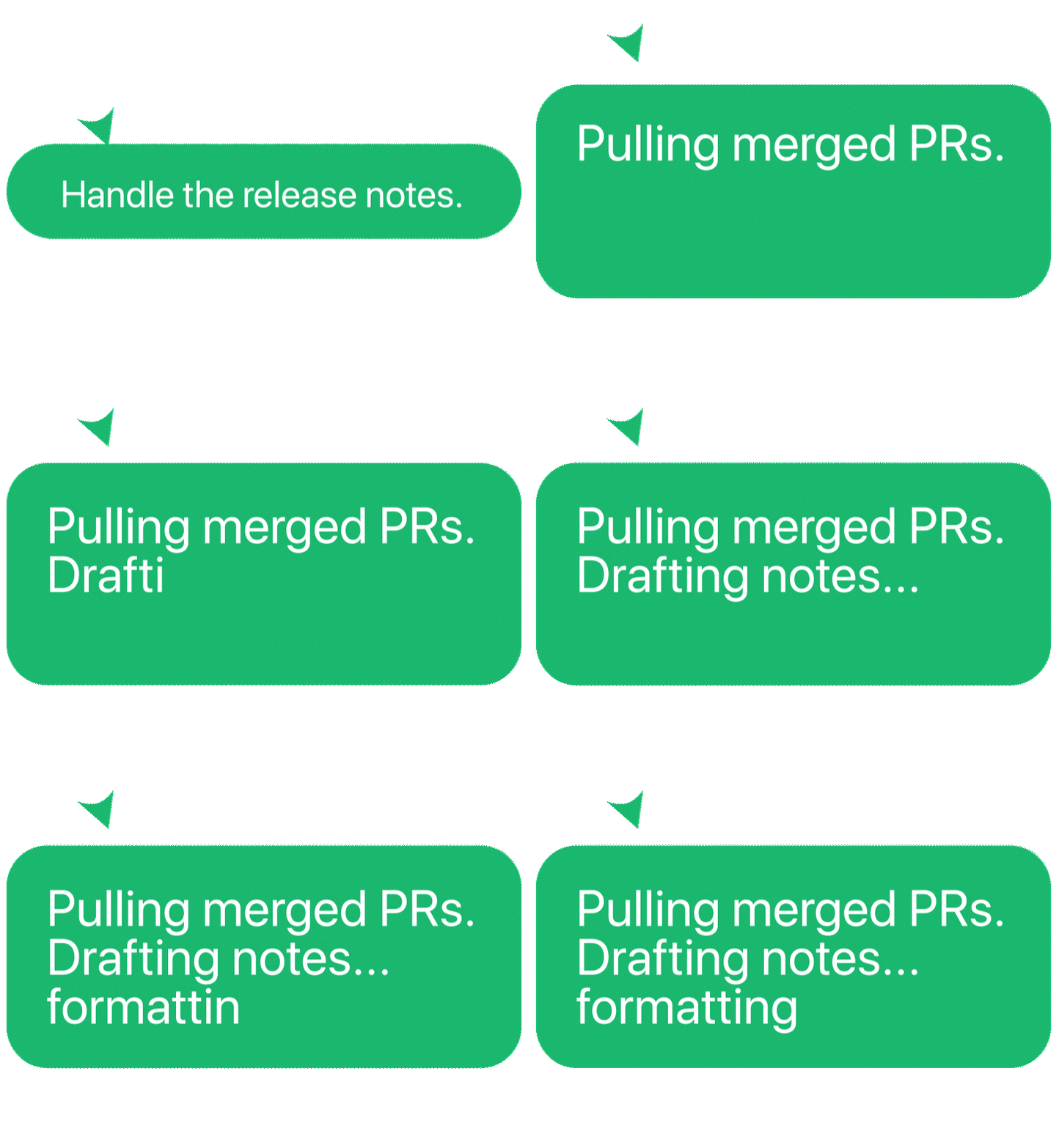
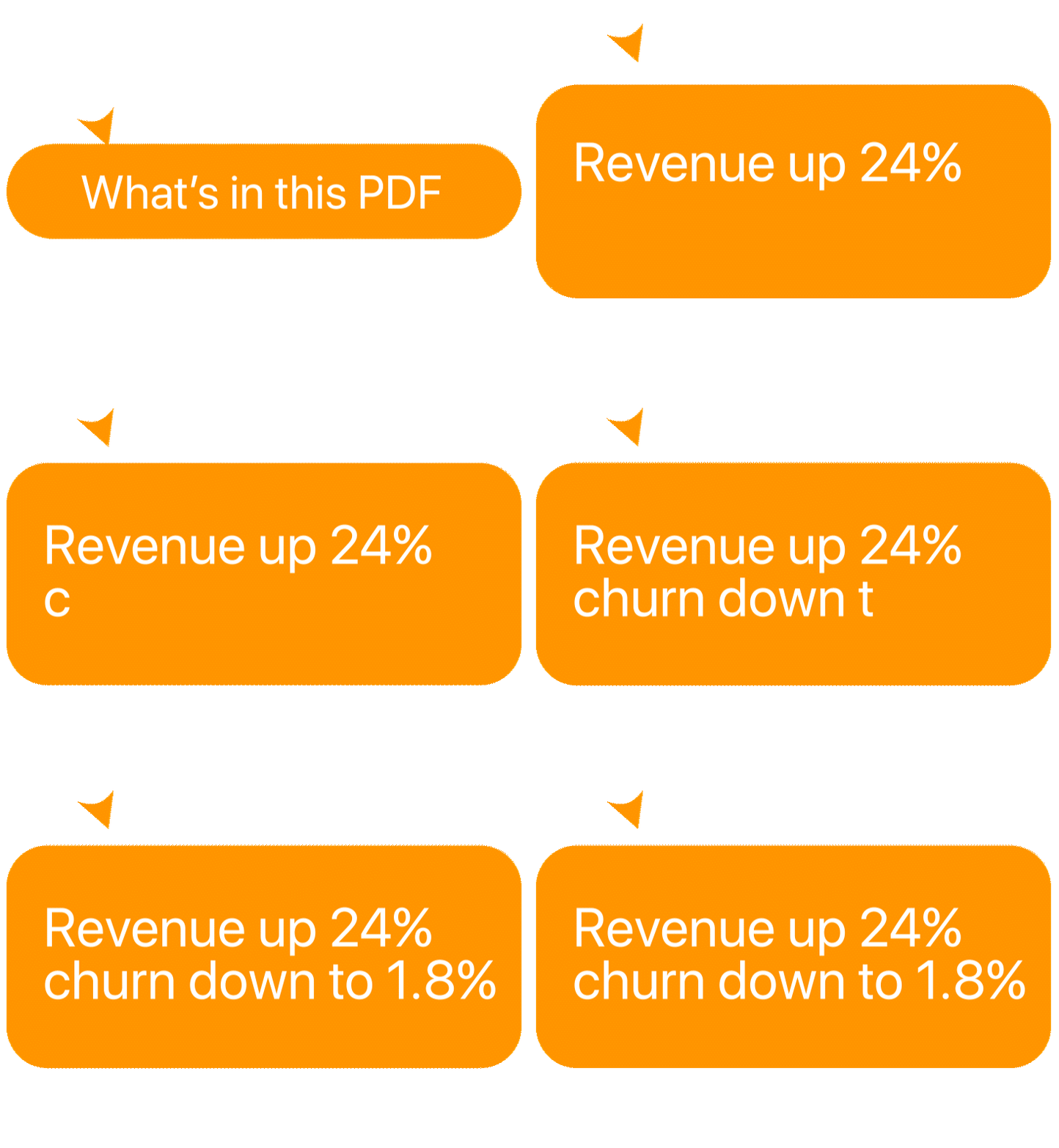
Browser tools wait for you to come to them — and re-explain your work every single time. Clicky is already there, already reading the screen you're on. Context is never lost, because it sees exactly what you see.
It sees what you see. Clicky passively reads your screen in real time, so it always knows what you're working on — you never have to set the scene
Say it, don't type it. Activate with "Hey Clicky" or a quick shortcut, then ask in plain language. No app to switch to, no separate window to fill.

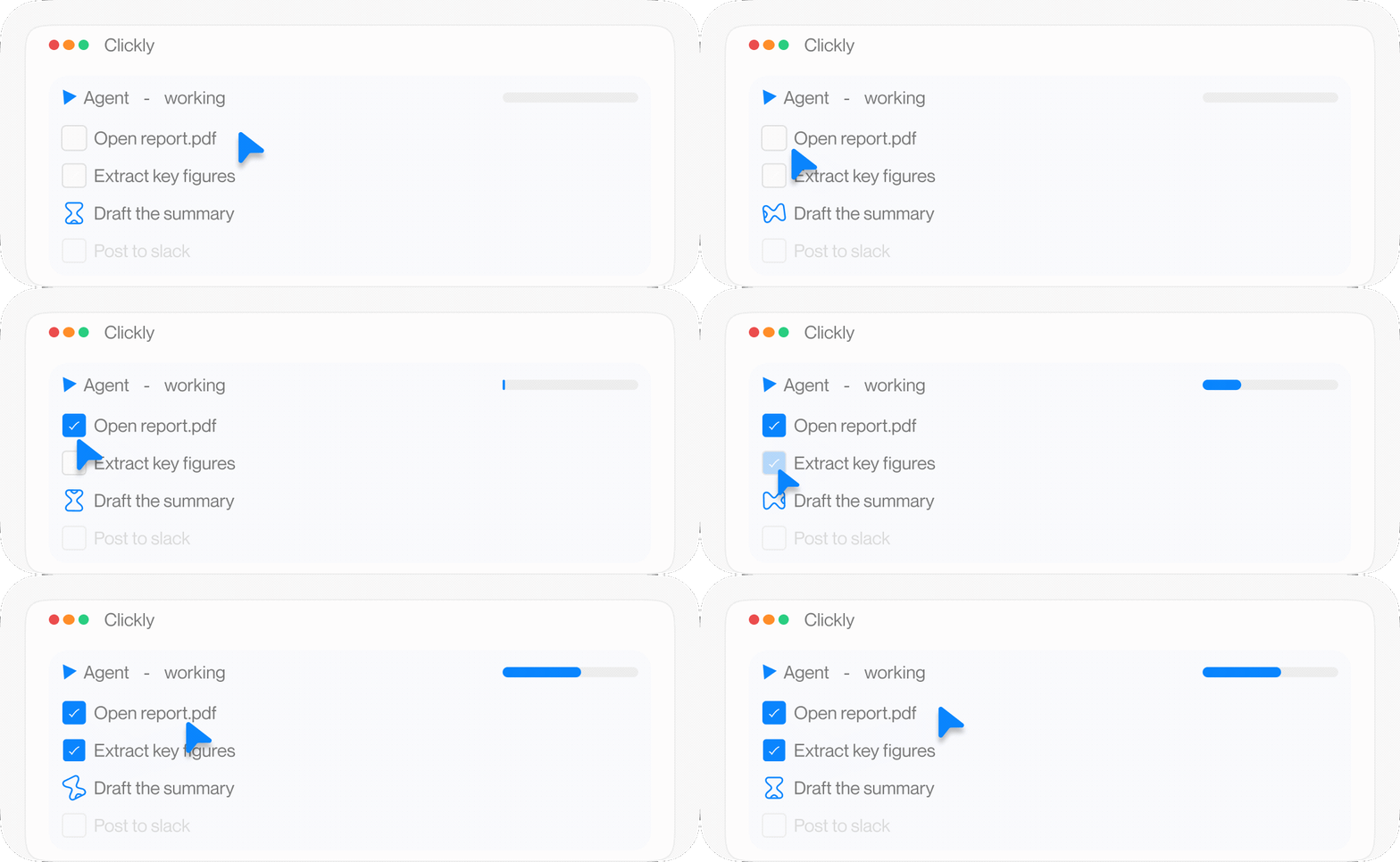
It works while you keep working. Hand off a complex, multi-step task and Clicky spins up an agent to finish it in the background — you stay in flow.
Available from day one
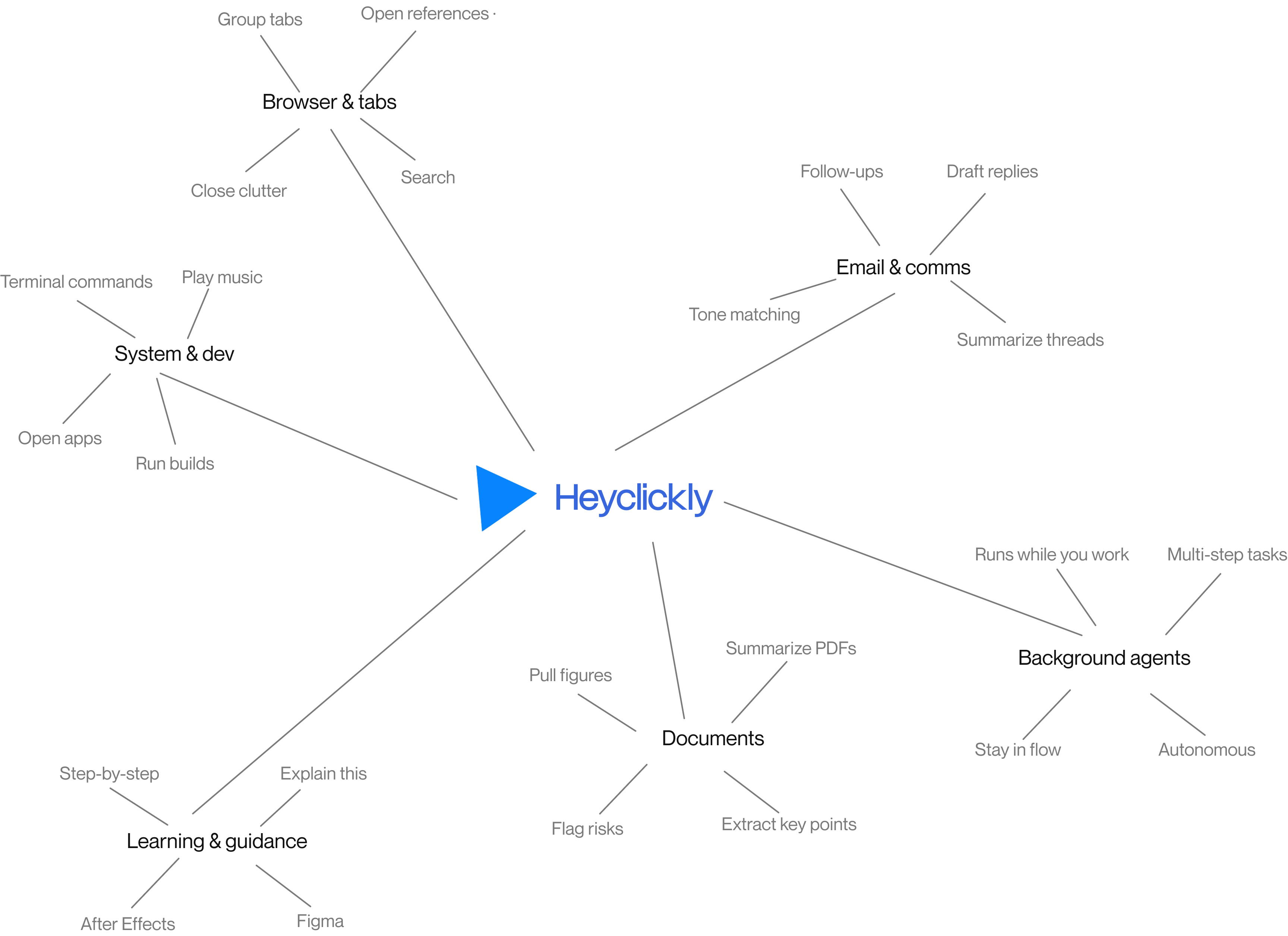
Real tasks, finished without leaving whatever you're already in.
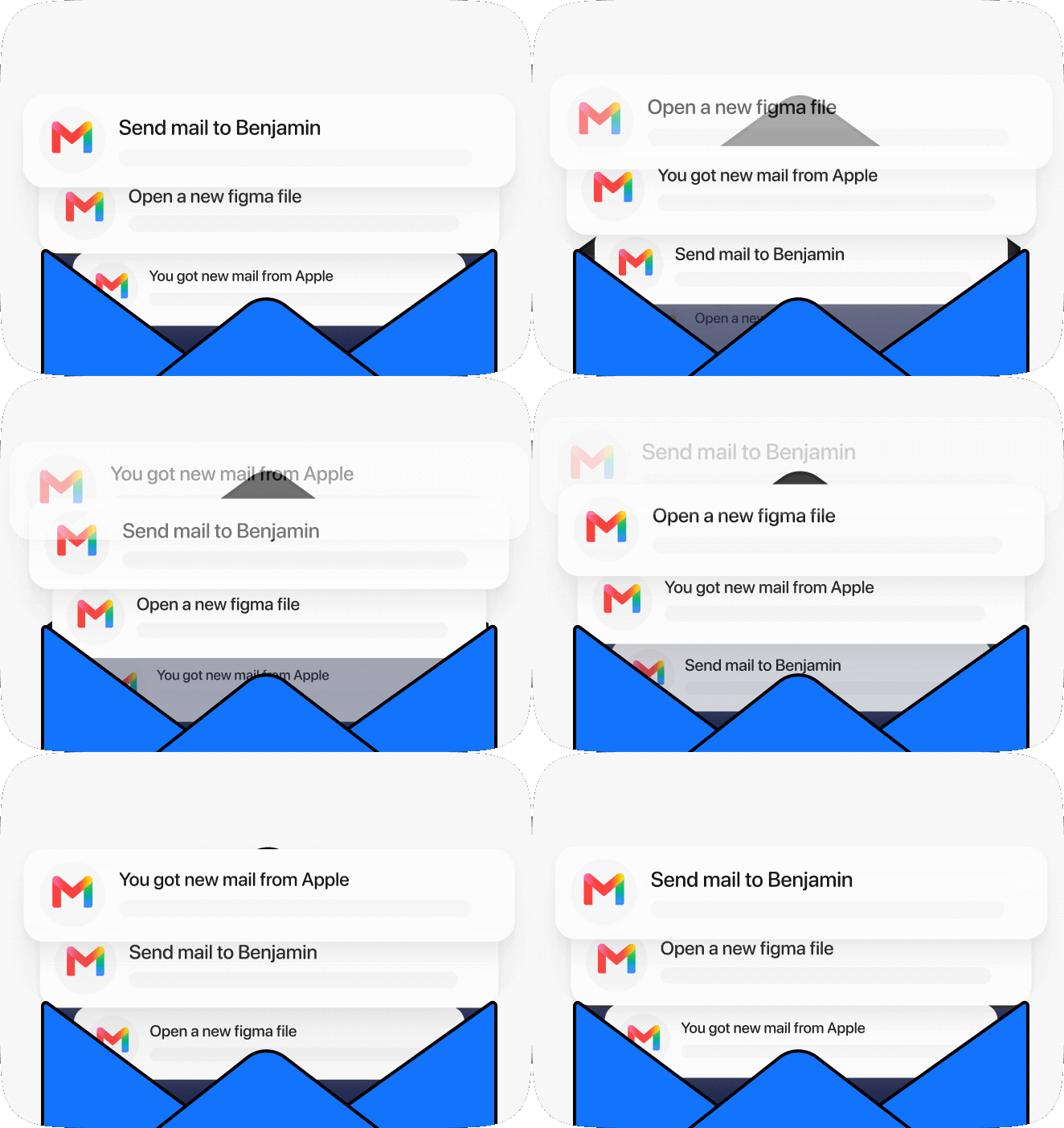
In your voice, with the thread already in context.
Multi-step work, handled in the background.
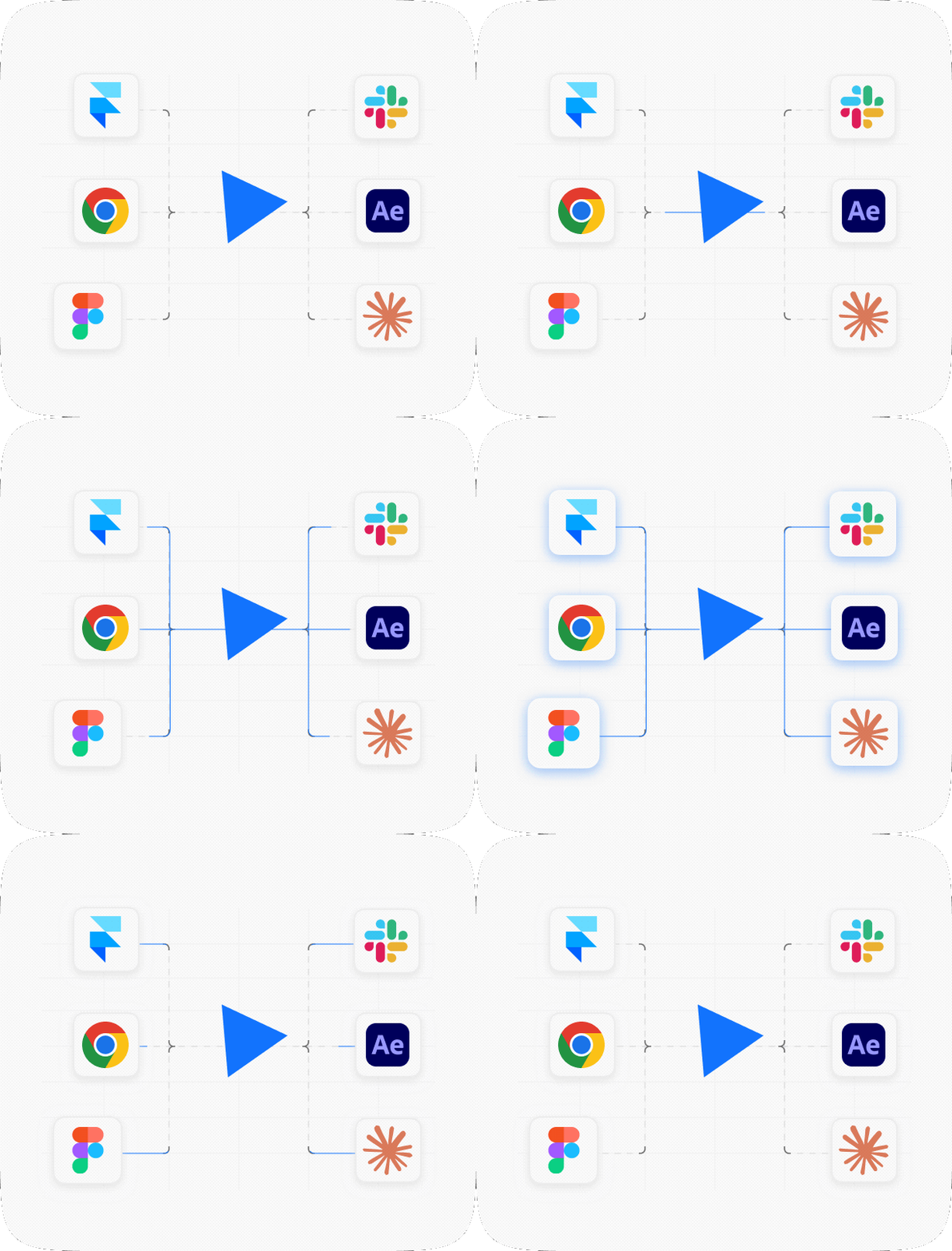
Figma, After Effects & more — guided as you go.
Pull up your references; close the clutter.
Spoken plainly, executed for you.
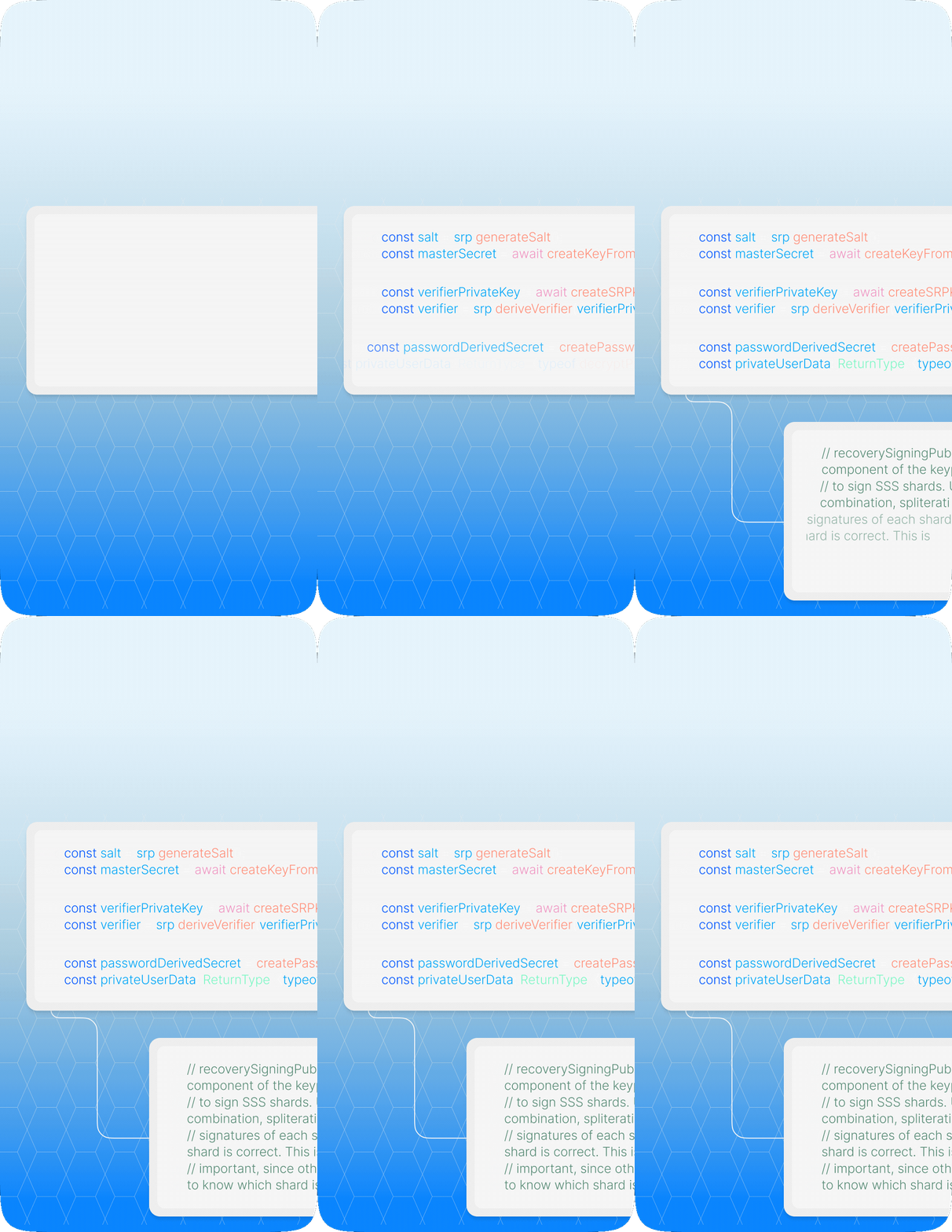
Start to finish · three moves
Say Hey Clicky or hit your shortcut — from any app, without looking away.
Tell it what you need the way you'd tell a teammate. It already sees your screen, so skip the setup.
Done instantly, or handed to a background agent for the long stuff — while you keep working.
 Heyclicky
Download, drag to Applications, say "Hey Clicky." Thirty seconds from now, your Mac talks back.